
 |
|
| Rating: 4.7 | Downloads: 100,000,000+ |
| Category: Arcade | Offer by: RobTop Games |
Geometry Dash is a rhythm-based action platformer from the beloved Geometry Dash series, challenging players to guide a geometric icon through intense obstacle-filled levels synced to energetic music.
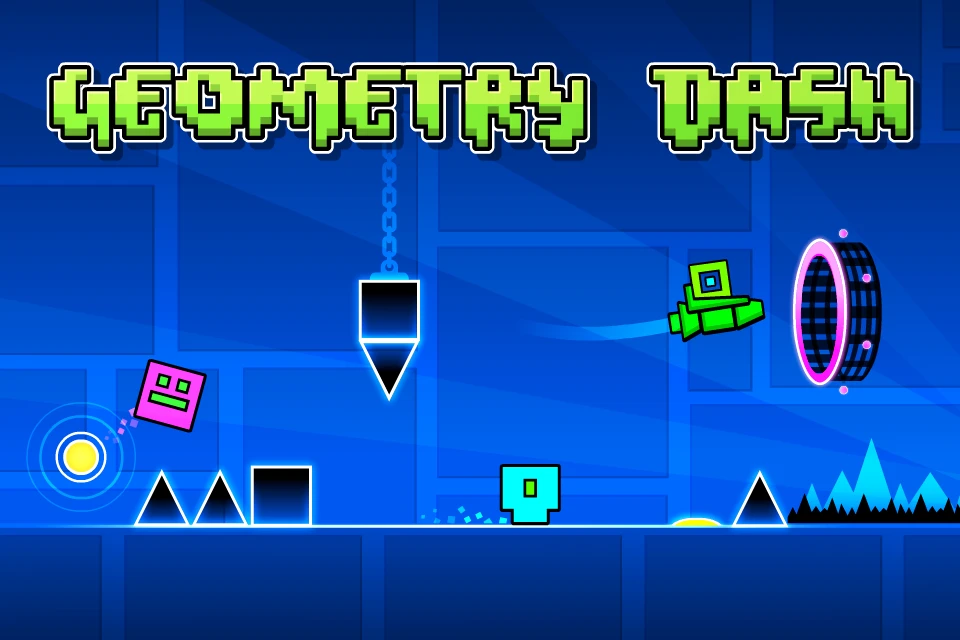
The gameplay experience of Geometry Dash revolves around fast-paced side-scrolling stages packed with spikes, portals, gravity shifts, moving platforms, and tightly timed jumps that demand perfect reflexes. The game’s neon-styled visual design, paired with pulse-pounding electronic tracks, creates a thrilling atmosphere where every attempt feels exciting and every victory feels earned.
Gameplay and Features
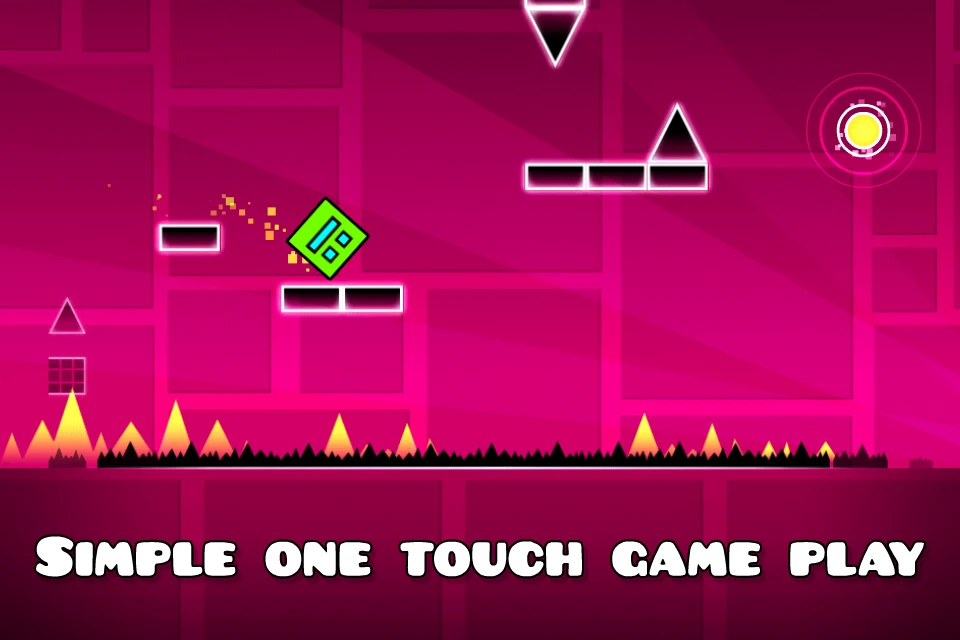
- [Core Gameplay Loop]: Players control a geometric icon and must jump, fly, flip gravity, and react to portals while avoiding deadly obstacles. Each level is built around music-based timing, so success depends on memorization, rhythm, and quick reflexes. The objective is to complete each stage in one flawless run from start to finish.
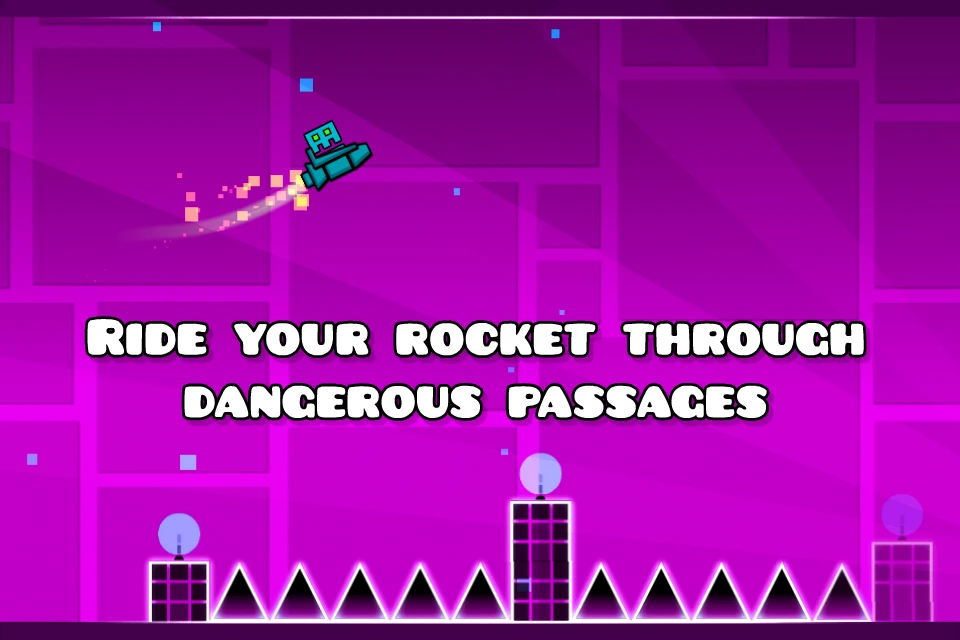
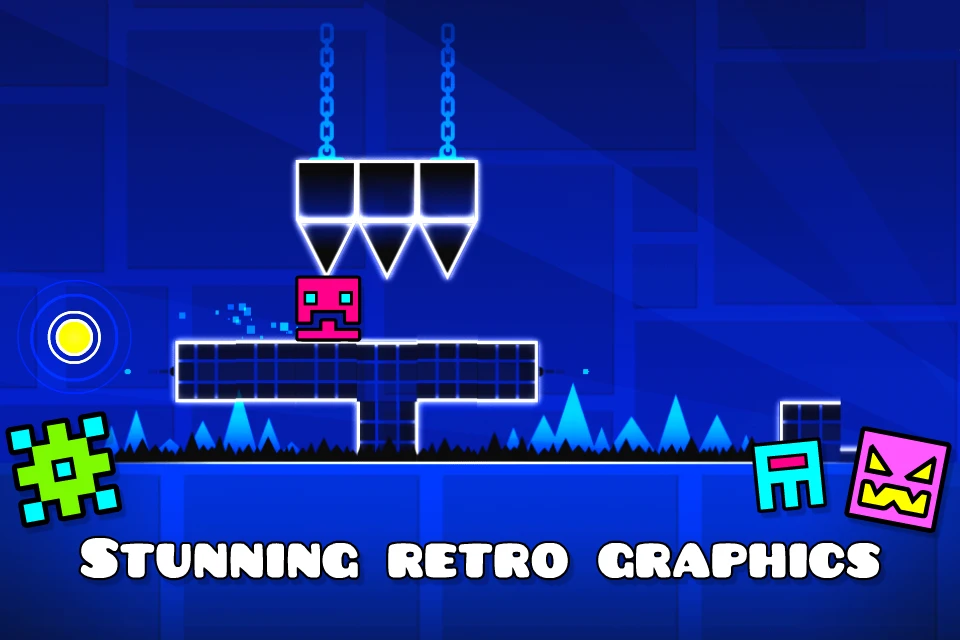
- [Visuals or Art Style]: The game features colorful neon graphics, glowing geometric environments, smooth animations, and visually distinct hazards that make each level immediately readable yet visually exciting. Its minimalist but striking art style perfectly complements the intense rhythm-platforming action.
- [Modes or Levels]: Geometry Dash includes a large set of official levels with varying difficulty, Practice Mode for checkpoint-based training, and a full level editor that lets players create and share their own stages. The full version also gives access to a massive library of online user-generated levels for near-endless replayability.
- [Controls or Interface]: The controls are simple and responsive—tap on touchscreen devices or press a key/click on desktop to jump and interact. While easy to learn, the one-touch control system becomes highly demanding in later stages where precision and timing are everything.
- [Customization or Unlockables]: Players can unlock new icons, colors, trails, and other cosmetic elements by completing achievements, collecting coins, and making progress through the game. This adds a rewarding sense of personalization as you improve your skills.
- [Any Special Systems]: The game includes secret coins, achievement rewards, progression-based unlocks, and community features centered around custom level creation and sharing. Practice Mode is especially important for mastering difficult sections before attempting a full completion run.
How to Play
Beginner’s Guide:
- Step 1: Download and install “Geometry Dash” on your device, then launch the game and choose one of the earlier official levels to begin learning the basics.
- Step 2: Tap the screen or press your control key to jump over spikes and hazards. Focus on following the rhythm of the music, since many jumps are designed around the beat.
- Step 3: Use Practice Mode to learn difficult sections, then return to Normal Mode to complete levels in one full run. As you improve, unlock icons, collect secret coins, and try more advanced official and custom stages.
Pro Tips:
- Use Practice Mode often to memorize tricky sequences before going for a full clear in Normal Mode.
- Pay close attention to music cues—many jumps and transitions feel easier when you follow the rhythm.
- Stay calm after repeated failures; consistency and muscle memory are the keys to beating harder levels.
Similar Games
| Game Title | Why It’s Similar |
|---|---|
| The Impossible Game | Shares the same one-touch precision platforming formula with a strong focus on timing, memorization, and obstacle avoidance. |
| Dash till Puff 2 | Appeals to players who enjoy rhythm-based reflex challenges, fast restarts, and visually intense arcade gameplay. |
| Super Hexagon | Offers a similarly punishing arcade experience built around pattern recognition, quick reactions, and music-driven intensity. |
Frequently Asked Questions
Q: Is “Geometry Dash” available on Android and iOS platforms?
A: Yes, Geometry Dash is available on both Android and iOS, and it is also released on additional platforms such as PC.
Q: What is the difference between Geometry Dash and Geometry Dash Lite?
A: Geometry Dash is the full version of the game, offering more official levels, more unlockables, access to the complete level editor, and much broader content than Geometry Dash Lite.
Q: Can I create my own levels in Geometry Dash?
A: Yes, the full version includes a level editor that allows players to build, customize, and share their own stages with the community.
Q: Is Geometry Dash difficult for new players?
A: The controls are simple, but the gameplay can be very challenging. New players usually improve quickly by using Practice Mode and replaying early levels to build timing and consistency.
Screenshots
 |
 |
 |
 |
Geometry Dash App Download |
|
|---|---|
 |
 |